
Hackers Perspective
Three Stages of a Cyber Attack
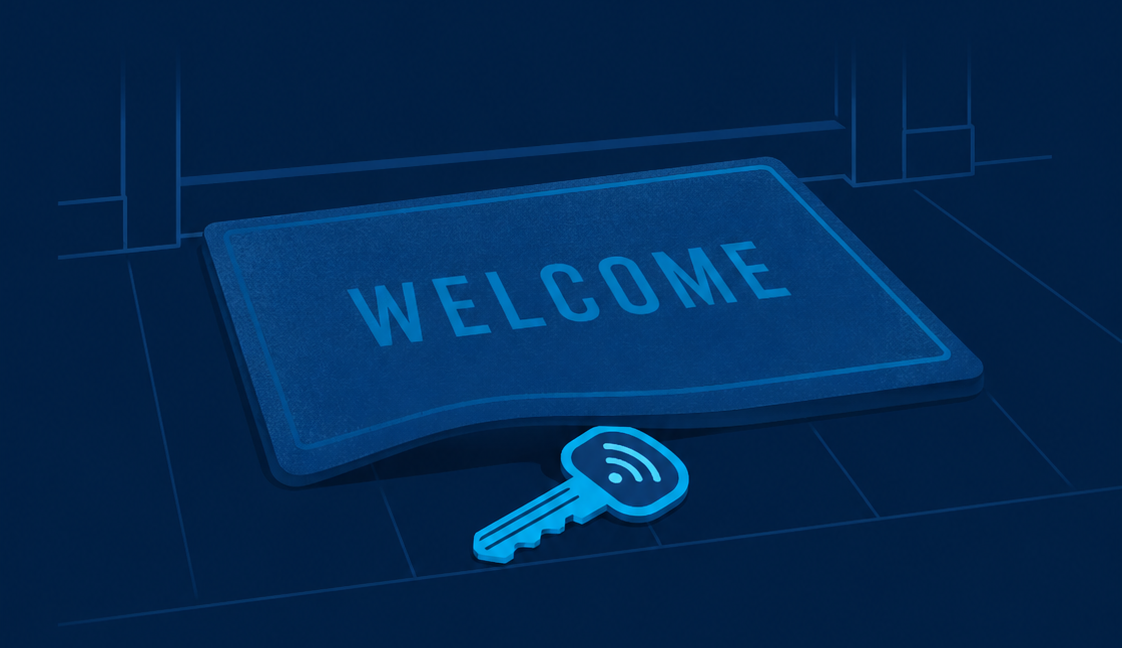
Cyber threats don’t strike all at once — they build up in stages. Once they’re in, they move quickly: testing systems, spreading quietly, and then applying pressure through extortion and disruption.
1
Opportunity
Bad people looking for a way in

2
Resistance
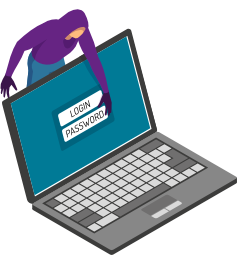
Bad people inside your organisation

3
Leverage
The bad people making demands
Greg, Technical Director
If all you’ve got is Legacy, you’re technically covered — but only just. My advice? Don’t rely on minimum standards to defend against maximum‑risk threats.”
Cyber Security Packages
Cyber attacks target weaknesses at every stage. This table shows how each package strengthens your organisation across the six key security areas — from prevention and detection to continuity and recovery.
Legacy Cyber Package FAQs
Get clear, simple answers about what the Legacy package does — and doesn’t cover, so you can understand where it fits into your organisation’s overall cyber security.
View All FAQsTrusted by over 200 organisations





Related Services

Legacy
Basics Covered. Risks Remain - Essential protection with antivirus, patching, and basic security controls. A safe starting point, but not enough for today’s threats.
Proactive
Threats Prevented. Attacks Stopped. Advanced monitoring, detection, and awareness that strengthen your defences and stop most attacks before they start.

Mitgation & Response
Incidents Contained. Operations Restored. Rapid response, recovery, and continuity planning so you can act fast and minimise disruption when issues arise.

Certification & Compliance
Standards Met. Trust Earned. Achieve Cyber Essentials and align with recognised frameworks like IASME, GDPR, and ISO27001 to prove your resilience.

IT Support
Fast, friendly, and reliable support whenever you need it, ensuring minimal downtime and maximum productivity.

Internet
Dunedin IT delivers internet that’s fast, stable, and ready for business growth.

Microsoft 365
We help over 200 organisations maximise the benefits of Microsoft 365, improving the tools that foster collaboration, communication, and growth.
Automation & Workflow Intelligence
Repetition Removed. Productivity Unlocked. Free your team from manual tasks with AI-driven process automation and RPA that runs 24/7.
Behind the Scenes: How Your Backup & Continuity Works
A quick look at the tools, monitoring, and planning behind Dunedin IT’s backup and continuity service. These are the systems that keep your data protected, your operations resilient, and your team supported — without the stress of managing backup platforms yourself.
Monitoring & Investigation
Storage & Hosting Management

Testing & Recovery Verification

Operational Understanding

Retention, Compliance & Data Governance

Contacting Us

Remove Cyber Worries. Strengthen Your Security Today.
Dunedin IT delivers secure backups, reliable recovery, and clear continuity planning — managed by real people who know your setup. Share your details and our team will make sure your data is protected, your risks are reduced, and your organisation stays operational when it matters most.
Our Locations
Our Number
Latest Technology & Business Insights